
Delete a dependent
To remove a dependent from your account, tap the sidebar menu button and then select Account Management.

Your account members will be displayed, including yourself (Account Owner) and any linked accounts or dependents that you have added to your account.

Tap the row containing the dependent that you want to remove.

Tap the Delete Dependent button to prompt for deletion.
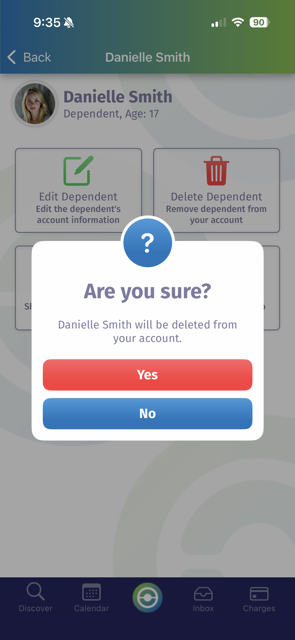
Tap the Yes button to remove the dependent from your account (note: this cannot be undone) or the No button if you've changed your mind.